Craig Ashcroft Payment Solutions

Tap to Pay on iPhone

Your iPhone. Now a card machine.

Accept contactless cards, Apple Pay and other digital wallets using just an iPhone and the Dojo app. No extra hardware, perfect for busy periods and payments on the move.

Tap to Pay on iPhone with Dojo

No hardware

just your iPhone

Contactless

cards and wallets

Start today

in the Dojo app

Private

built-in iPhone security

Why Tap to Pay

Get paid wherever you are.

Ideal as a back-up at busy times, for staff on the floor, or for mobile traders who want to keep things simple.
Power through queues

Add an extra till instantly when the rush hits.

Freestyle payments

At the till, the table or the pub garden, take payments on the move.

No extra hardware

Open the Dojo app and start taking contactless payments.

Secure and private

Card numbers aren’t stored on the iPhone or Apple’s servers.

Four taps to <span class="green">get paid.</span>

How it works

Four taps to get paid.

Taking a payment is as simple as opening the app and holding up your phone.

  • Open the Dojo app and enter the amount
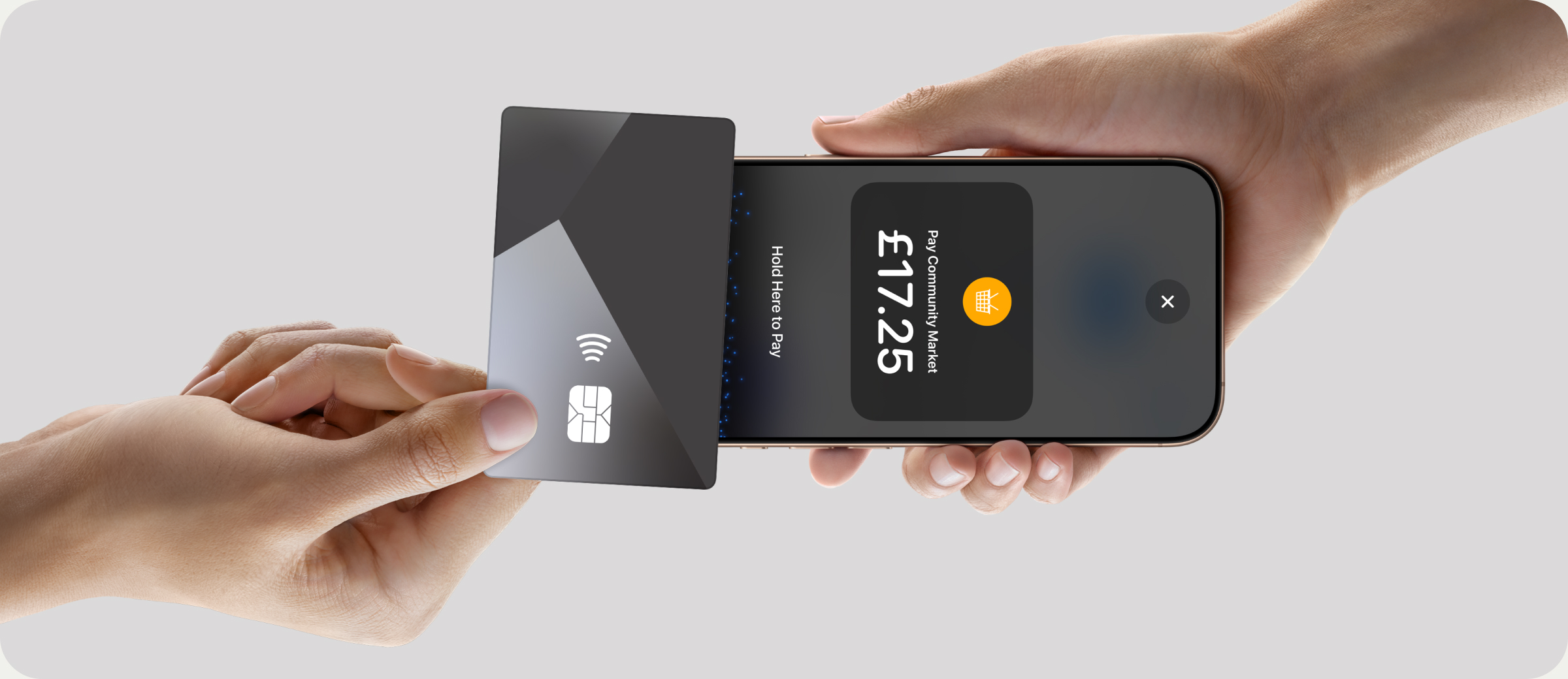
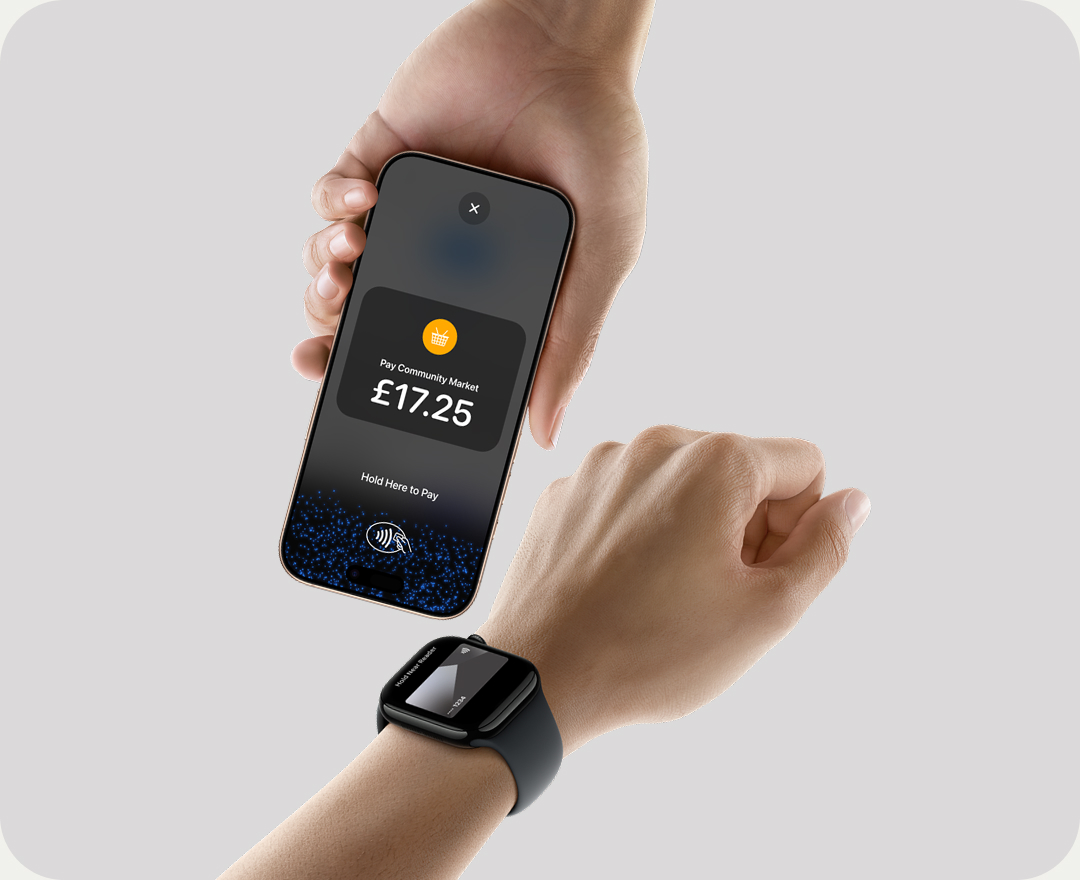
  • Present your iPhone to the customer
  • They hold their card or phone near the top of your iPhone
  • Look for the Done tick, and you’re paid

Who it’s for

Built for businesses like yours


Retail & SME

Shops, salons, trades and local businesses


Leisure & Sport

Golf clubs, gyms, venues and attractions


Hospitality

Restaurants, cafés, pubs and hotels

More from Dojo

More ways to get paid.
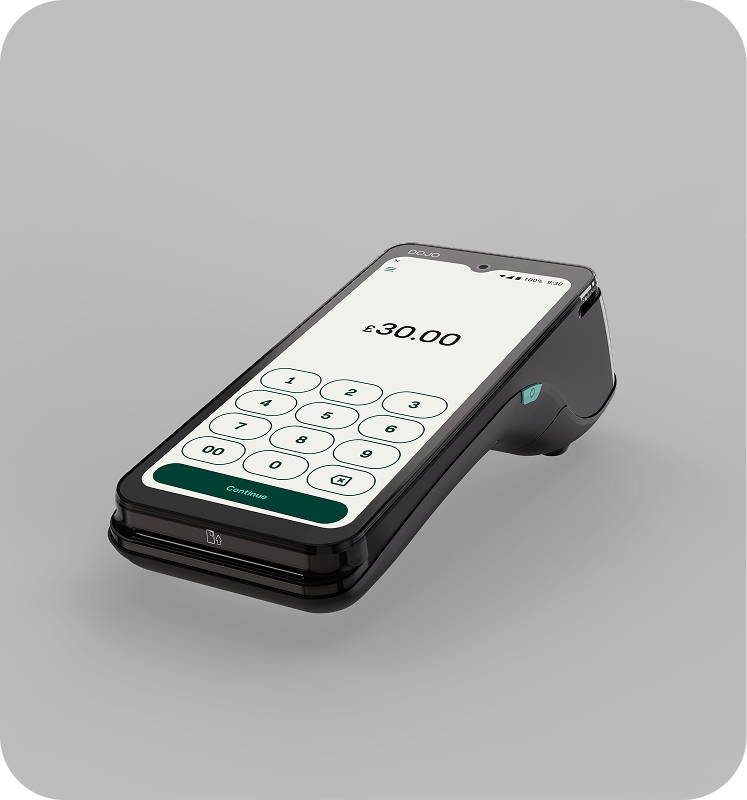
Dojo Go Max

Dojo Go Max

Ultra-fast, portable card payments on Wi-Fi and 4G.

Learn more →

Dojo Pocket

Dojo Pocket

Orders and payments in one handheld device.

Learn more →

Dojo Wired

Dojo Wired

Countertop and kiosk payments, wired in.

Learn more →

Insights

Related reading.

FAQs

Straight answers

Can’t see your question? Craig will give you a straight answer.

iPhone XS or later running iOS 16.4 or later, with the Dojo for business app.

Contactless debit and credit cards, Apple Pay and other digital wallets.

Yes. Once you’re set up with Dojo, you’ll find Tap to Pay in the app under Tools.

Yes. It uses the iPhone’s built-in security, and card numbers aren’t stored on the device or on Apple’s servers.

Free, no-obligation review

Switching, sorted.

Sign up in a few simple steps, on a flexible 12-month or 30-day rolling contract, with easy two-step PCI compliance. Dojo could even cover your exit fees up to £3,000.**

Go to Top