
The complete guide to taking payments for your new business
Opening a new business? Here’s how to choose the right way to take payments, from the counter to the table to online, and what to check before you sign anything.
Share this article
Choosing how you’ll take payments is one of the first decisions a new business makes, and one of the easiest to get wrong. Get it right and payments just happen. Get it wrong and you’re stuck in a contract with kit that doesn’t suit how you trade. Here’s how I help new businesses decide.
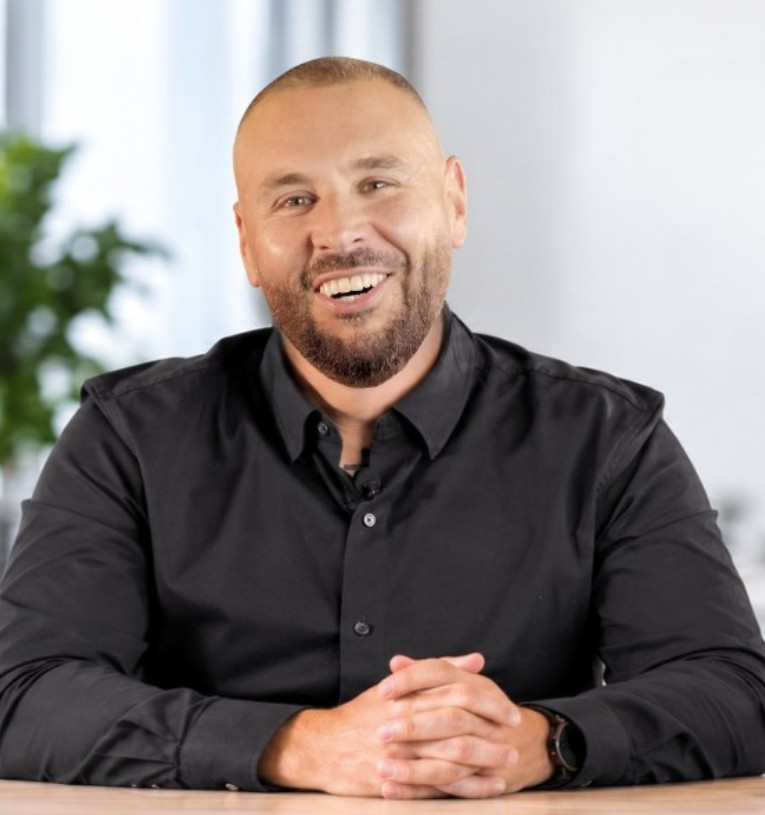
Starting a new business? Never taken card payments before? Craig explains everything in plain English and gets you set up. Here’s how it works →
Start with how you’ll sell
Match the device to where the payment happens:
- At a counter or till: Dojo Go Max (portable, with a printer and 4G) or Dojo Wired (mains-powered, for fixed tills and kiosks).
- At the table: Dojo Pocket takes the order and the payment in one handheld device.
- On the move: Tap to Pay on iPhone turns your phone into a contactless card machine.
- Online or by phone: online checkout for your website, and payment links you can send by text, email or WhatsApp.
Plan for when the internet drops
New premises often have patchy Wi-Fi. Make sure your card machine can fall back to 4G automatically. Dojo’s portable machines do, so you keep taking payments whatever happens to your broadband.
Think about your till
If you’ll use an EPOS system, choose card machines that integrate with it. Amounts go straight to the machine, so there’s no keying, fewer mistakes and faster cashing up. Dojo integrates with 450+ EPOS systems.
Understand the costs before you sign
Ask for the full picture: transaction rates, authorisation fees, terminal rental, monthly charges and contract length. We don’t tie you in: you can choose a flexible 12-month or 30-day rolling contract, which matters when you’re new and your volumes are still changing.
Make sure someone will pick up the phone
When something goes wrong on your opening weekend, you need an answer, not a ticket number. That’s the part I add: I visit, set you up, show your team how it works and stay your point of contact afterwards.
“Craig showed us the machines, how they’d be set up, how it works, which was fantastic.”
Sam Livesey, Director, Livesey’s Butchers, Preston Market
Your checklist
Questions
Opening soon? Craig can get your card payments set up before your first customer walks in. See how it works →
Opening soon?
Tell me about your new business and I’ll recommend the right setup, with no obligation.